
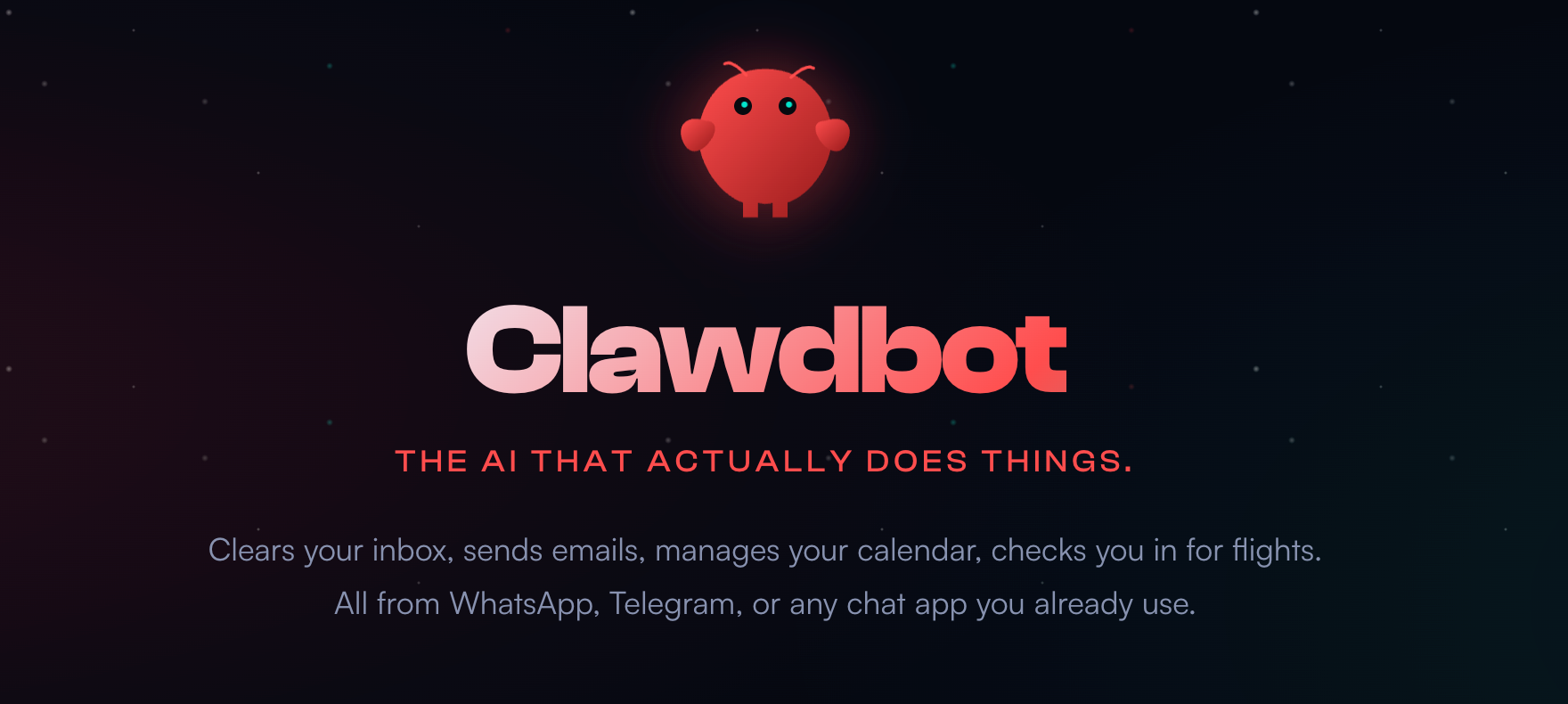
Clawdbot: The Open-Source AI Assistant That Lives in Your Chat Apps
I'll be honest with you—I'm tired of switching between different AI tools. ChatGPT in one tab, Claude in another, and a dozen other apps fighting for my attention. My phone already has WhatsApp for work, Telegram for tech communities, and Discord for gaming. Do I really need another app just to talk to AI?
That's when I discovered Clawdbot—an open-source personal AI assistant that lives inside your existing chat apps. After spending about 30 minutes setting it up, I finally understood: this is what personal AI assistants were always meant to be.
What is Clawdbot?
In simple terms, Clawdbot is an open-source, self-hosted AI agent that runs on your own computer (macOS, Linux, or Windows/WSL2) and connects to your favorite messaging platforms—WhatsApp, Telegram, Discord, Slack, Signal, iMessage, and even Microsoft Teams.
Key Point: Your data stays completely local. Nothing is uploaded to any cloud server. For privacy-conscious users, this is a game-changer.
The project gained over 4,300 GitHub stars in just 52 days—the community engagement is remarkable.
Why Clawdbot Impressed Me
The Good Stuff
| Feature | Description |
|---|---|
| Multi-Platform Integration | One AI across all your chat apps |
| Local Execution | Data never leaves your computer |
| Context Memory | It remembers your preferences over time |
| Proactive Actions | Doesn't just answer—it actually does things |
| Voice Interaction | Supports voice input/output on macOS, iOS, Android |
| Open Source | Transparent code, active community |
Things to Consider
- Setup requires some technical knowledge (Node.js 22+ needed)
- Still an early-stage project with potential bugs
- Has hardware requirements (runs locally after all)
Core Use Cases: What Can It Actually Do?
1. Unified Cross-Platform Entry Point
Imagine this: You ask Clawdbot on Telegram to check your calendar, then on WhatsApp to draft an email, and finally on Discord to research a technical question.
One assistant, available everywhere—that's the magic of Clawdbot.
2. Automated Task Execution
Clawdbot isn't just a "chatbot"—it's a true action-taker. It can:
- Manage your calendar and schedules
- Send emails automatically
- Manage local files
- Browse the web and extract information
- Execute terminal commands
- Use your camera or capture your screen
3. Proactive Reminders & Briefings
Unlike traditional AI assistants, Clawdbot can reach out to you first:
- Morning Briefings: Daily schedule summaries every morning
- Smart Reminders: Automatic alerts for important tasks
- Real-time Alerts: Triggered notifications based on your conditions
4. Live Canvas Visual Workspace
Clawdbot provides a visual canvas where the AI can perform more intuitive operations and presentations during conversations. This is particularly useful for creative workflows—similar to how tools like Filmgine provide visual storyboarding for video production, Clawdbot offers a visual workspace for AI-assisted tasks.
Quick Start Guide
Want to try Clawdbot? Here's the basic setup:
# 1. Make sure you have Node.js 22+ installed

# 2. Install Clawdbot globally
npm install -g clawdbot@latest
# Or use pnpm
pnpm add -g clawdbot@latest

# 3. Run the setup wizard
clawdbot onboard --install-daemon
The setup wizard will guide you through:
- Gateway configuration
- Chat channel connections (WhatsApp, Telegram, etc.)
- Skills and tools setup
- API key configuration (supports Anthropic, OpenAI, or local models via Ollama)
Pro Tip: The official recommendation is to use Anthropic Claude Opus 4.5 for better long-context handling and security.
Clawdbot vs Traditional AI Assistants
| Comparison | Clawdbot | ChatGPT / Claude Web |
|---|---|---|
| Runs On | Local device | Cloud servers |
| Data Privacy | Stored locally | Uploaded to cloud |
| Chat Interface | Your existing apps | Dedicated website/app |
| Task Execution | Can control local files/system | Conversation only |
| Context Memory | Long-term retention | Lost after session |
| Proactivity | Can initiate conversations | Reactive only |
| Open Source | Yes | No |
My Real Experience
Honestly, the first-time setup took me about 30 minutes. But once configured, the experience is incredibly smooth.
My favorite use case is chatting with it on Telegram. Every morning, it proactively tells me my schedule for the day. During work, I can ask it to research topics and write summaries. In the evening, it helps organize my notes.
It's like having a personal assistant that truly "lives" in my phone—not just another tool I need to open.
Who Should Use Clawdbot?
Recommended for:
- Privacy-conscious users
- Tech enthusiasts who love open-source projects
- Productivity nerds wanting unified AI access
- Advanced users looking to automate workflows
Might not be ideal for:
- Users with no command-line experience
- Those who only need simple chat features
- Users with lower-spec computers
Conclusion: This is the Future of AI Assistants
Clawdbot represents a new paradigm of AI interaction—instead of you going to find AI, AI comes to find you. It lives in your most familiar chat apps, remembers your habits, and proactively helps you complete tasks.
If Siri and traditional smart assistants were only "half-finished products," then Clawdbot might be the "complete form" we've been waiting for.
Ready to try it? Visit the GitHub repository to start your Clawdbot journey!
Related Resources
- GitHub - Clawdbot Official Repository
- MacStories - Clawdbot Review
- Medium - Clawdbot Deep Dive
- Reddit - Clawdbot Community Discussion
Looking for more AI tools? Check out our Best AI Creative Tools for 2026 or try NSFW AI for stunning AI-generated artwork.