
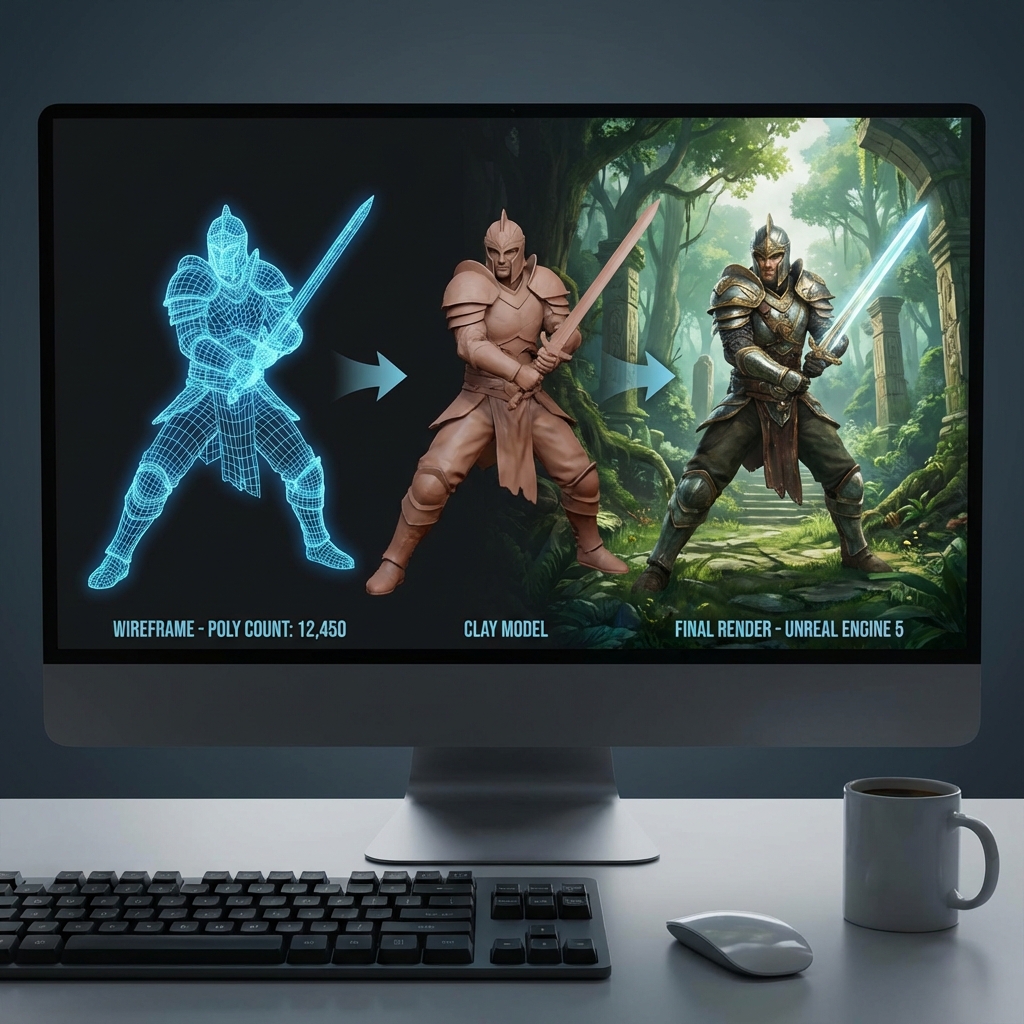
AI for Game Development: Character Design & World Building
Indie game development has always been challenging. Limited budgets mean small teams must wear many hats – programmer, artist, designer, writer, and more. AI is changing this dynamic, enabling solo developers and small teams to create visually stunning games without hiring expensive artists.
In this guide, we'll explore how to use AI tools effectively for game development, focusing on character design and world building.
The AI Game Dev Toolkit
Before diving in, let's overview the AI tools available for game developers:
| Need | AI Solution |
|---|---|
| Character Art | Image generators like NSFW AI |
| World Concepts | World generators like Genie 3 |
| Story & Dialogue | Script generators like LumaStory AI |
| Cutscenes | Video generators like Filmgine |
| Inspiration | Game libraries like Free Games Pit |
Part 1: AI Character Design
Creating Your Game's Cast
Characters are the heart of most games. With AI, you can generate:
- Main protagonists
- Supporting characters
- NPCs
- Enemies and bosses
- Character variations (outfits, expressions, poses)
Step-by-Step Character Creation
1. Define Your Character
Before generating, write a character brief:
- Name and role in the story
- Personality traits
- Physical description
- Clothing and accessories
- Color palette preferences
2. Generate Initial Concepts
Using NSFW AI, generate multiple variations:
Prompt example:
"Young female warrior, silver armor, red cape, confident pose,
fantasy RPG style, detailed, high quality, full body"
Generate 10-20 variations to find the right direction.
3. Refine Your Design
Once you have a direction you like:
- Generate more variations of that design
- Try different poses (idle, action, injured)
- Create expression sheets (happy, angry, sad, surprised)
- Generate close-ups for dialogue portraits
4. Maintain Consistency
For consistent characters across multiple images:
- Save your exact prompt
- Use the same style keywords
- Note the model and settings used
- Create a character reference document
Character Types by Game Genre
RPG Characters
- Detailed armor and weapons
- Class-based designs (warrior, mage, rogue)
- Fantasy or sci-fi aesthetics
Anime/Visual Novel
- Clean linework
- Expressive eyes
- Multiple expressions essential
- NSFW AI's anime models excel here
Horror Games
- Unsettling designs
- Dark color palettes
- Atmospheric lighting
Casual/Mobile Games
- Simpler, readable designs
- Bright colors
- Exaggerated proportions
Part 2: AI World Building
Creating Game Environments
World building is equally important as character design. AI can help you create:
- Concept art for levels
- Environmental assets
- Skyboxes and backgrounds
- Mood and atmosphere references
Using AI for Environment Concepts
Genie 3 represents the cutting edge of AI world generation. It can create:
- Dynamic, navigable 3D environments
- Consistent world spaces from text descriptions
- Explorable prototypes for level design
This is perfect for:
- Early-stage concept exploration
- Level layout prototyping
- VR/AR experience development
- Training AI agents in generated worlds
Traditional 2D Environment Art
For 2D games or concept art, image generators work great:
Environment prompt example:
"Ancient temple interior, overgrown with vines, shafts of light
through cracks, mysterious atmosphere, fantasy game art style"
World Building Workflow
- Define your world's rules - What's the setting? What's possible?
- Create mood boards - Generate images capturing the feeling
- Design key locations - Main areas the player will visit
- Develop environmental storytelling - Details that tell stories
- Iterate and refine - Consistency across all areas
Part 3: Narrative Design with AI
Story and Dialogue
Games often need extensive dialogue and story content. AI can accelerate this:
LumaStory AI and Filmgine can generate:
- Main story arcs
- Character dialogue
- Quest descriptions
- Lore and world-building text
- Cutscene scripts
Creating Game Narratives
- Outline your main story beats
- Use AI to expand each section
- Generate dialogue variations
- Refine for your game's tone
- Integrate with gameplay
Part 4: Learning from Existing Games
Studying Game Design
Before creating, study what works. Playing existing games helps you understand:
- Character design trends
- World building techniques
- UI/UX patterns
- Narrative structures
Free Games Pit offers 1,500+ browser games across genres. Use it to:
- Research art styles in different game types
- Study character design approaches
- Analyze how games introduce worlds
- Find inspiration for your own projects
Genre Research
Play games in your target genre:
- RPGs for character-driven narratives
- Platformers for world design
- Visual novels for dialogue systems
- Strategy games for UI design
Part 5: Production Pipeline
Integrating AI into Your Workflow
Here's a practical pipeline for an indie RPG:
Week 1: Pre-Production
- Write game design document
- Define character roster
- Outline world map
Week 2: Character Art
- Generate all main characters with NSFW AI
- Create expression sheets
- Design enemy types
Week 3: Environment Art
- Create environment concepts
- Use Genie 3 for 3D world prototypes
- Design key locations
Week 4: Narrative Content
- Generate base dialogue with LumaStory AI
- Create quest descriptions
- Write lore entries
Week 5+: Development
- Implement assets in engine
- Refine and iterate
- Playtest and adjust
Cost Analysis: Traditional vs AI
Traditional Game Art Costs
- Character artist: $50-200 per character
- Environment artist: $100-500 per scene
- Concept artist: $500-2000 for full concept phase
- Total for small game: $5,000-20,000+
AI-Assisted Costs
- NSFW AI subscription: $15-30/month
- LumaStory AI: $15-40/month
- Genie 3: Varies
- Total for small game: $100-500
That's a 90-95% cost reduction while maintaining quality.
Tips for Game Developers
Do's
✅ Generate many variations before deciding ✅ Maintain style consistency across assets ✅ Use AI for concepts, refine manually ✅ Document your prompts and settings ✅ Credit AI tools appropriately
Don'ts
❌ Rely 100% on AI without human refinement ❌ Use inconsistent styles across assets ❌ Skip the concept phase ❌ Ignore art fundamentals ❌ Rush the iteration process
Case Study: AI-Made Indie RPG
Project: "Echoes of Eternity"
A solo developer created a 5-hour RPG in 3 months using AI tools.
Assets Created:
- 12 main characters (NSFW AI)
- 200+ dialogue portraits
- 30 environment concepts
- 15 enemy designs
- 50+ items and icons
Tools Used:
- NSFW AI for all character art
- Genie 3 for world concepts
- LumaStory AI for dialogue
- Free Games Pit for research
Result:
- Total art cost: $180
- Development time: 3 months (nights/weekends)
- Steam wishlist: 5,000+ before launch
The Future of AI in Games
AI tools are evolving rapidly. Coming soon:
- Real-time character generation in-game
- Procedural worlds with consistent style
- Dynamic dialogue systems
- AI-driven NPC behavior
Developers who master AI tools now will have a significant advantage as these technologies mature.
Conclusion
AI has leveled the playing field for indie game developers. You no longer need a large art team or massive budget to create visually impressive games. By strategically combining AI tools for character design, world building, and narrative creation, solo developers can compete with larger studios.
Start small, experiment with different tools, and iterate on your vision. The AI revolution in game development is just beginning.
Ready to create your game's characters? Try NSFW AI for stunning AI-generated character art.